ZC VPN
V2Ray-Based VPN Client for Windows
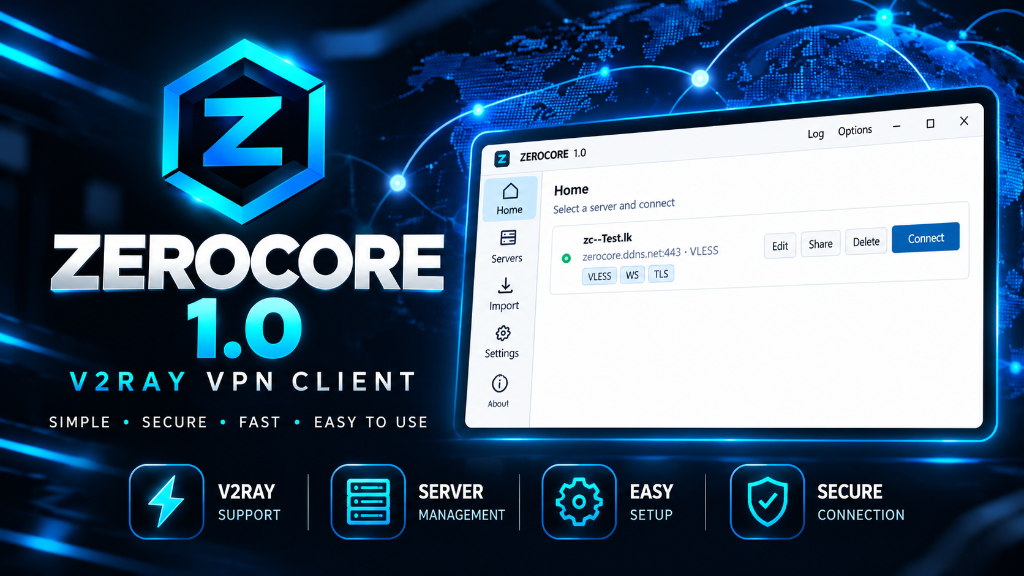
ZC VPN provides a simple, clean, and fast way to manage and run VLESS VPN configurations on Windows. Designed for hassle-free connection monitoring, proxy flexibility, and zero configuration friction.
Application Interface
Explore the simple, dark-themed user interface designed for ease of use and instant connectivity.
VLESS Configurations
Visual showcase of ZC VPN Home Dashboard showing VLESS configuration status and local proxies.
Import VLESS Configuration
Paste your vless:// connection string below to import it into your profile list.
Visual showcase of the VLESS string import mechanism in ZC VPN.
Core Features
Everything you need for seamless V2Ray VLESS tunneling on Windows.
V2Ray / VLESS Protocol Support
Built on top of the V2Ray core engine to handle modern VLESS proxy protocol connections with low overhead and reliable encryption.
Easy Configuration Import
Paste your vless:// connection URL directly into the client to quickly add and organize new servers.
Multiple Configurations
Store multiple VLESS server profiles in your client and switch between distinct endpoints with one click.
SOCKS5 & HTTP Local Proxy
Exposes local proxy listeners on default ports (10808 and 10809) for system-wide routing or app-specific binding.
Ping Testing & Monitoring
Run latency ping checks across all saved profiles directly from the client dashboard to select the fastest server.
Boost Mode & Security
Enable Boost Mode for enhanced connection throughput, maintaining clean, secure, and private internet access.
System Specifications
Technical snapshot for ZC VPN Windows distribution.
Upcoming Features & Improvements
These feature items are actively planned for future releases and are not currently available in v1.0.0.
Ready to use ZC VPN?
Download the latest Windows version today and get started with simple VLESS configuration management.